01
Communication History
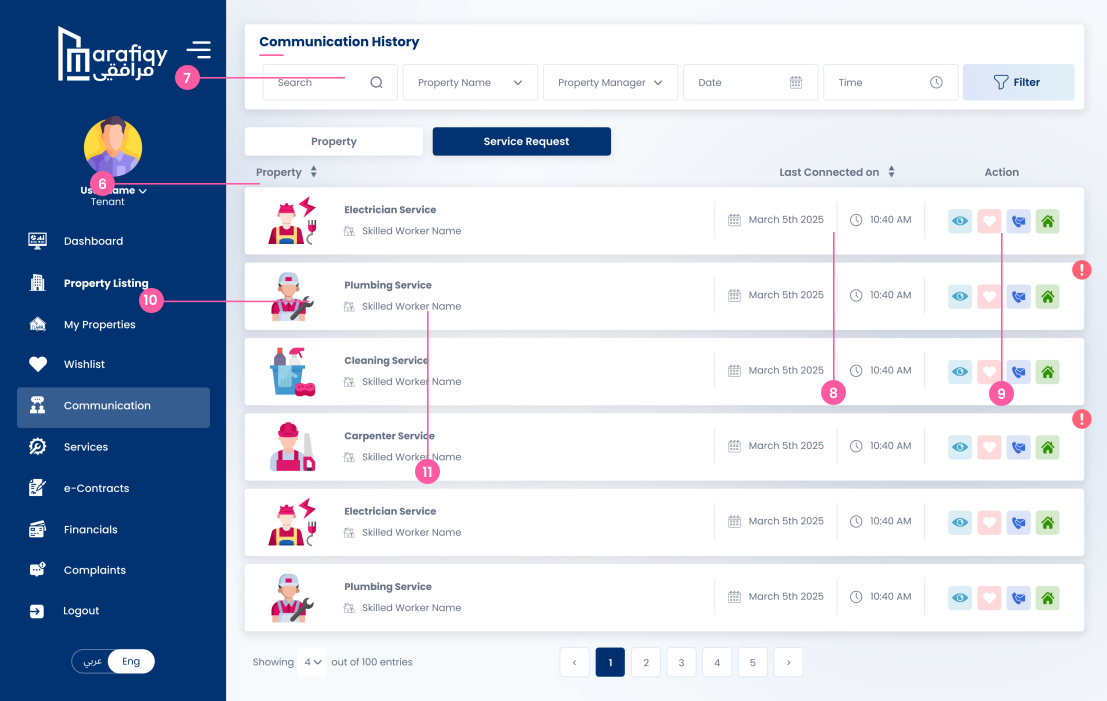
This section displays communication history between the tenant and property manager for each property.
Follow the steps below to complete this action inside Marafiqy.
This section displays communication history between the tenant and property manager for each property.
Filters allow searching by property name, property manager, date, and time to easily locate past communications.
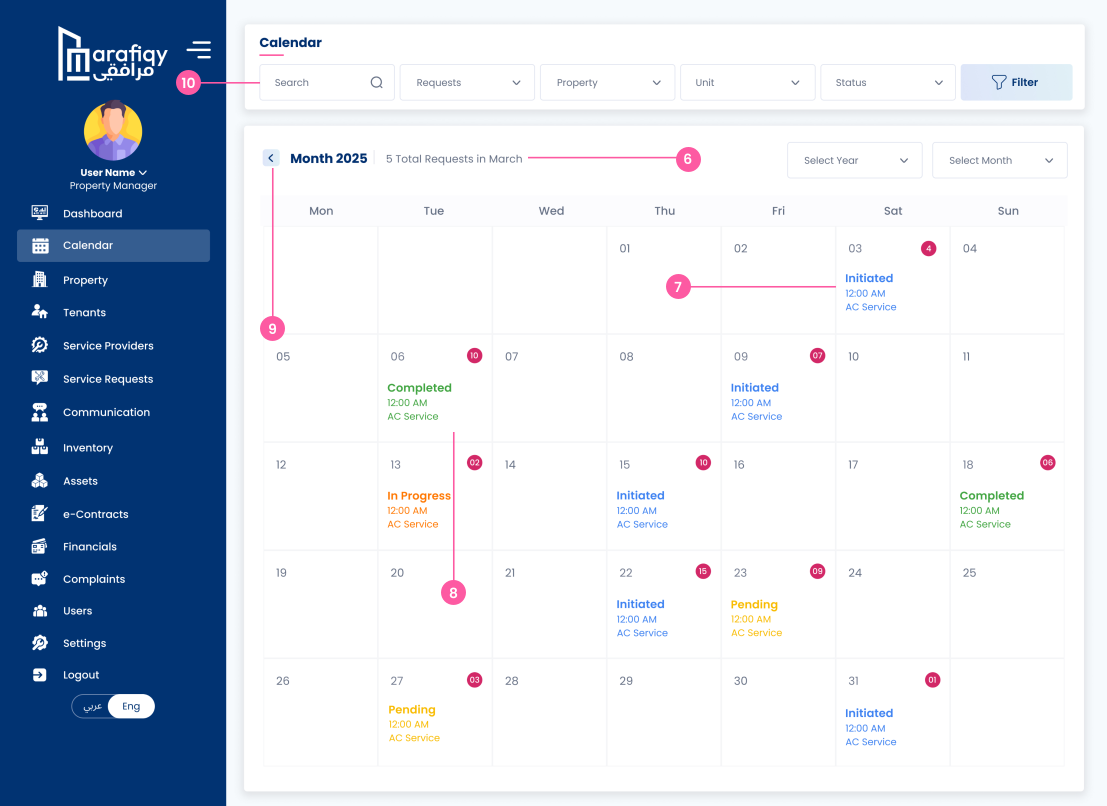
Displays the date and time of the last communication with the property manager for each property.
Users can perform actions such as viewing, adding to wishlist, and marking the property.
The pagination feature helps navigate through multiple entries in the communication history.
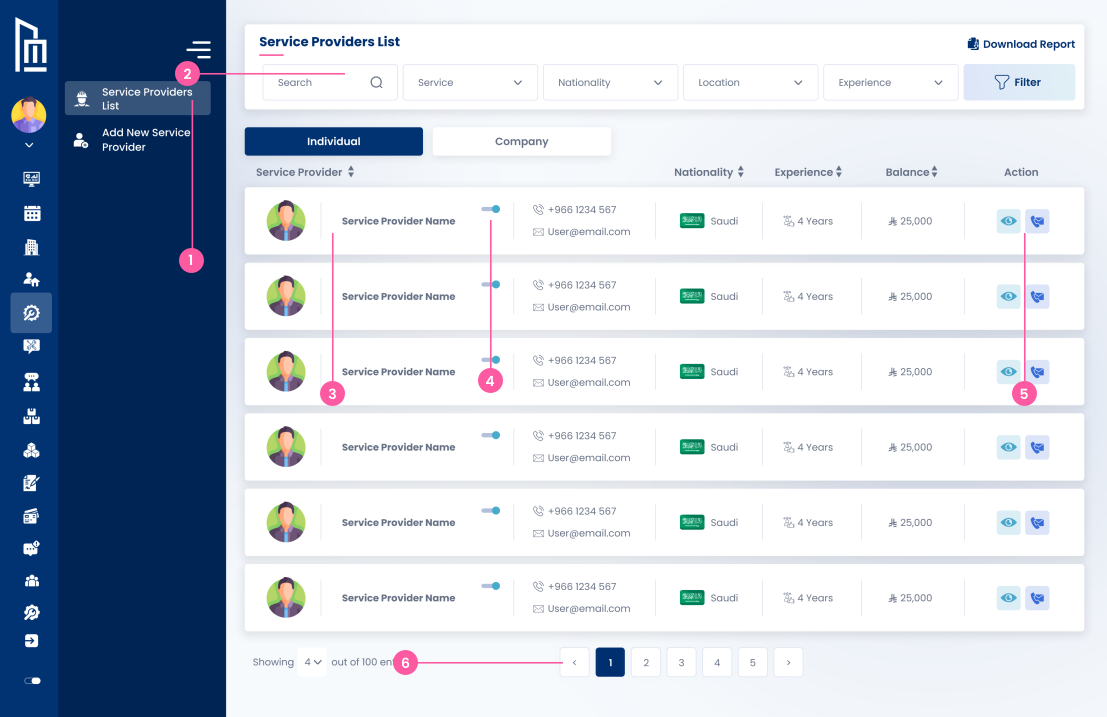
This section lists communication history related to service requests such as electrician, plumbing, etc.
Filters allow searching by property name, property manager, date, and time for easier access to specific entries.
Displays the date and time of the last interaction with the skilled worker related to the service request.
Users can perform actions such as viewing details, adding to wishlist, and viewing the property.
Icons indicate different types of services like electrical, plumbing, cleaning, etc.
The workers name is shown for each service, indicating the individual involved in that service request.